

Advertisement
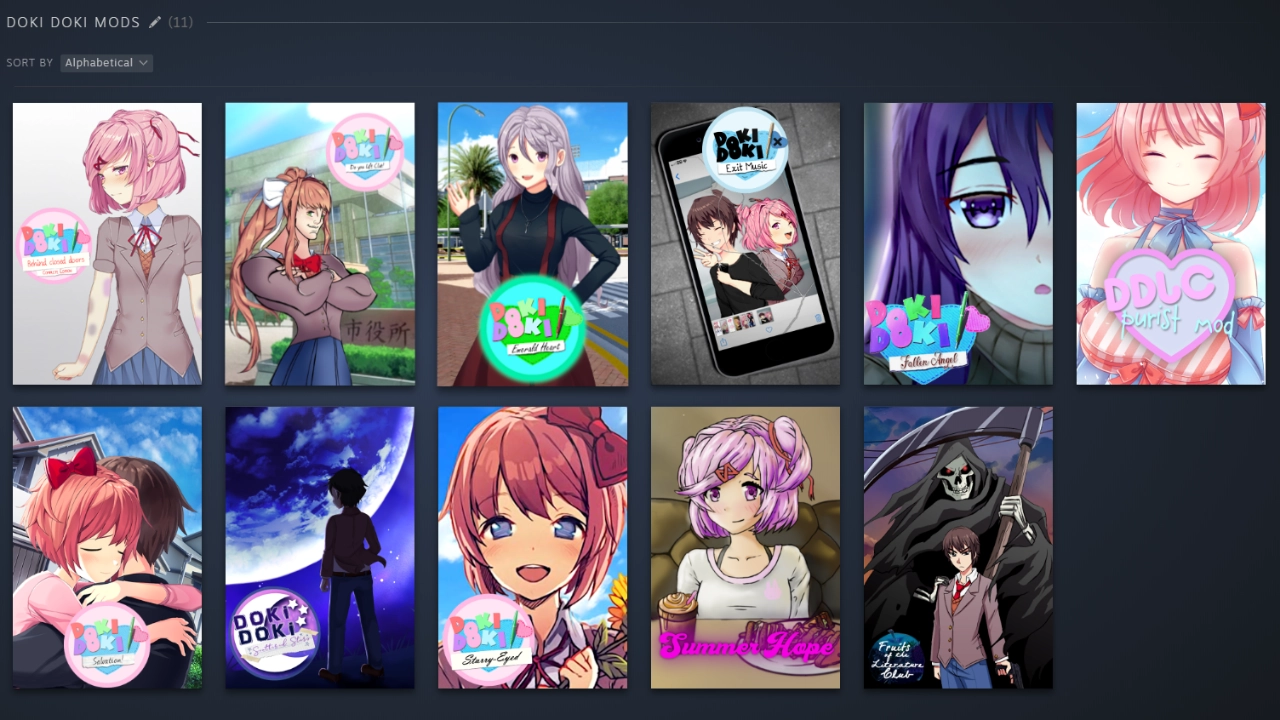
This is one of my oldest and proudest projects, a collection of Steam Library Cover Arts for various DDLC Mods!
Believe it or not, the community for this game has always gone strong on the modding side of things! Back in the day, I liked to have everything running off of Steam, and learned you could actually add those same fancy banner artworks to Non-Steam Games you add to your library as well. So, I learned how to rip apart DDLC Mods to find their image assets, and sort of cobble together a bunch of banners, logos and covers to put over top of their executables in Steam!
Below is the list of mods that are supported by the DDLC Cover Arts project, sorted by art type. Some mods may lack certain arts like Backgrounds, which are limited to a select few.
Fruits of The Literature Club
Available Project File Downloads
DDLC Cover Arts Collection
1: Download “MERC Galil.zip” from the links above
2: In Steam, right click on Counter Strike: Source and go to “Properties > Installed Files > Browse…“
3: Once File Explorer opens, navigate to the “cstrike” folder, then to the “custom” folder.
3-1: If “custom” folder does not exist, create it yourself.
4: In another File Explorer window or tab, locate “MERC Galil.zip” from Step 1, and right click on it.
5: From here, using either Window’s built-in archive tools, or something like 7-Zip or WinRAR, extract “MERC Galil.zip” directly to the “custom” folder from Step 3.
6: Open Counter Strike: Source, and you should see your skin active on the Galil / IMI Defender weapon!
Project Image Gallery
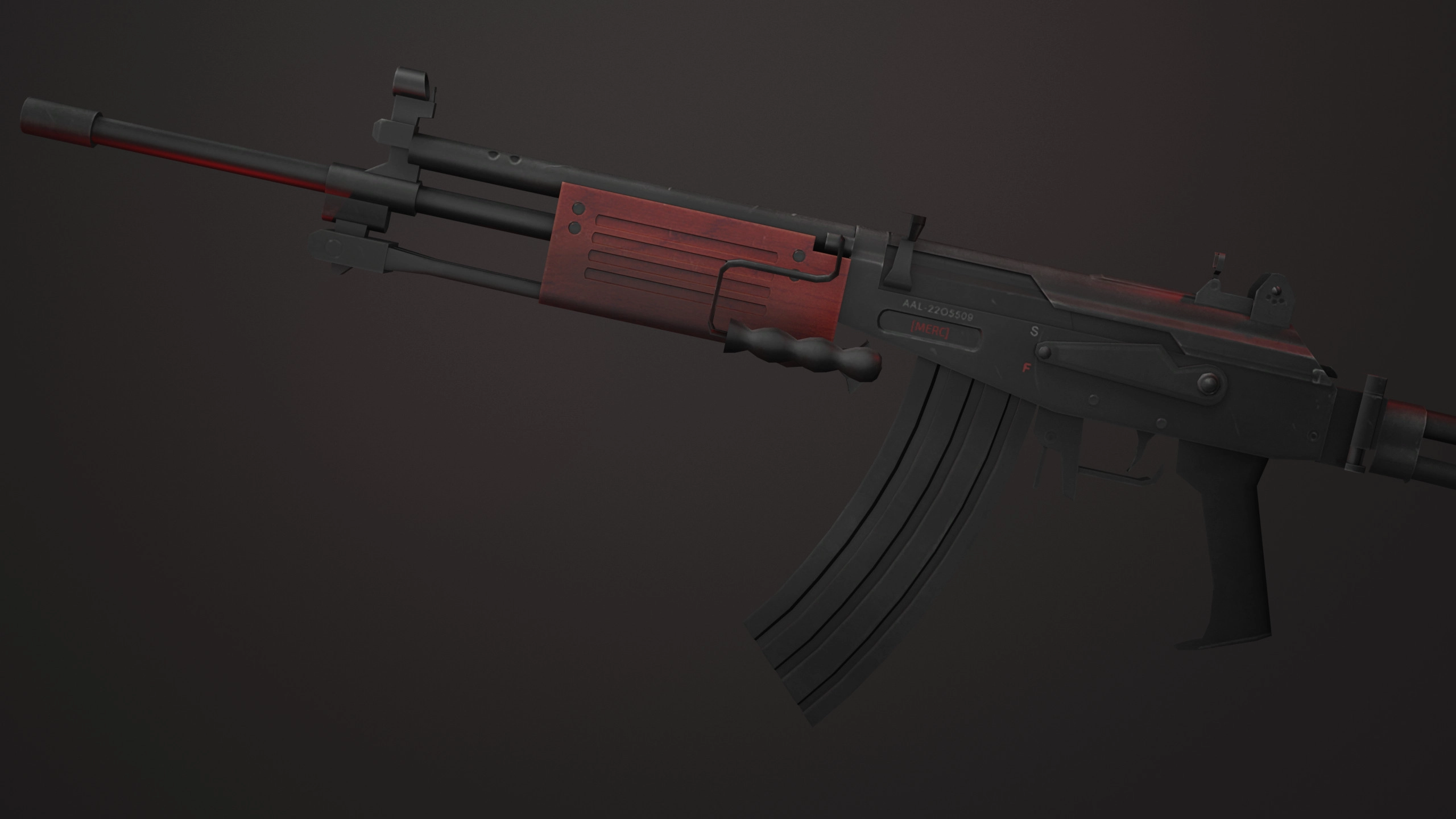
MERC Galil Blender Render
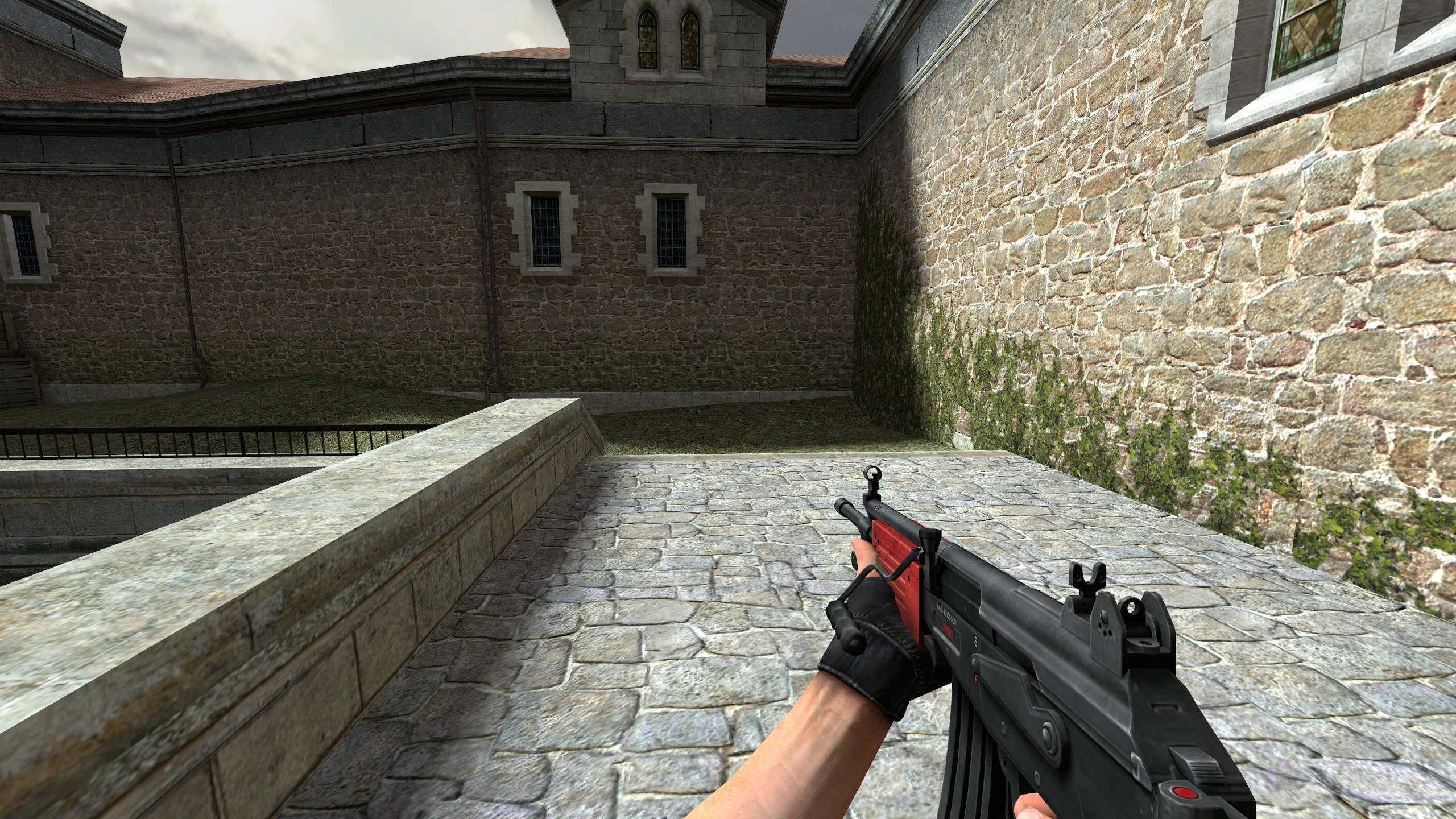
MERC Galil Light
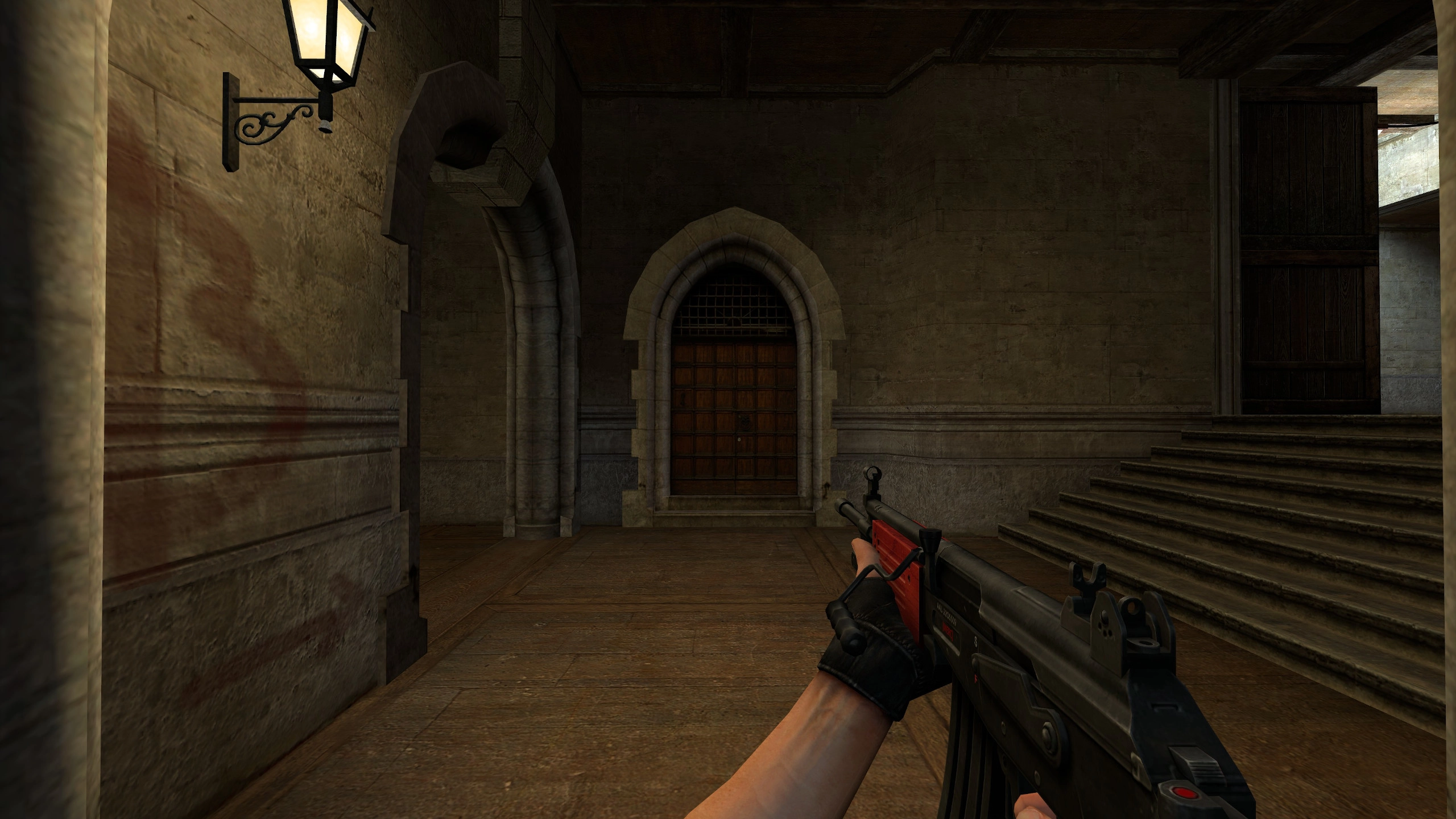
MERC Galil Shade
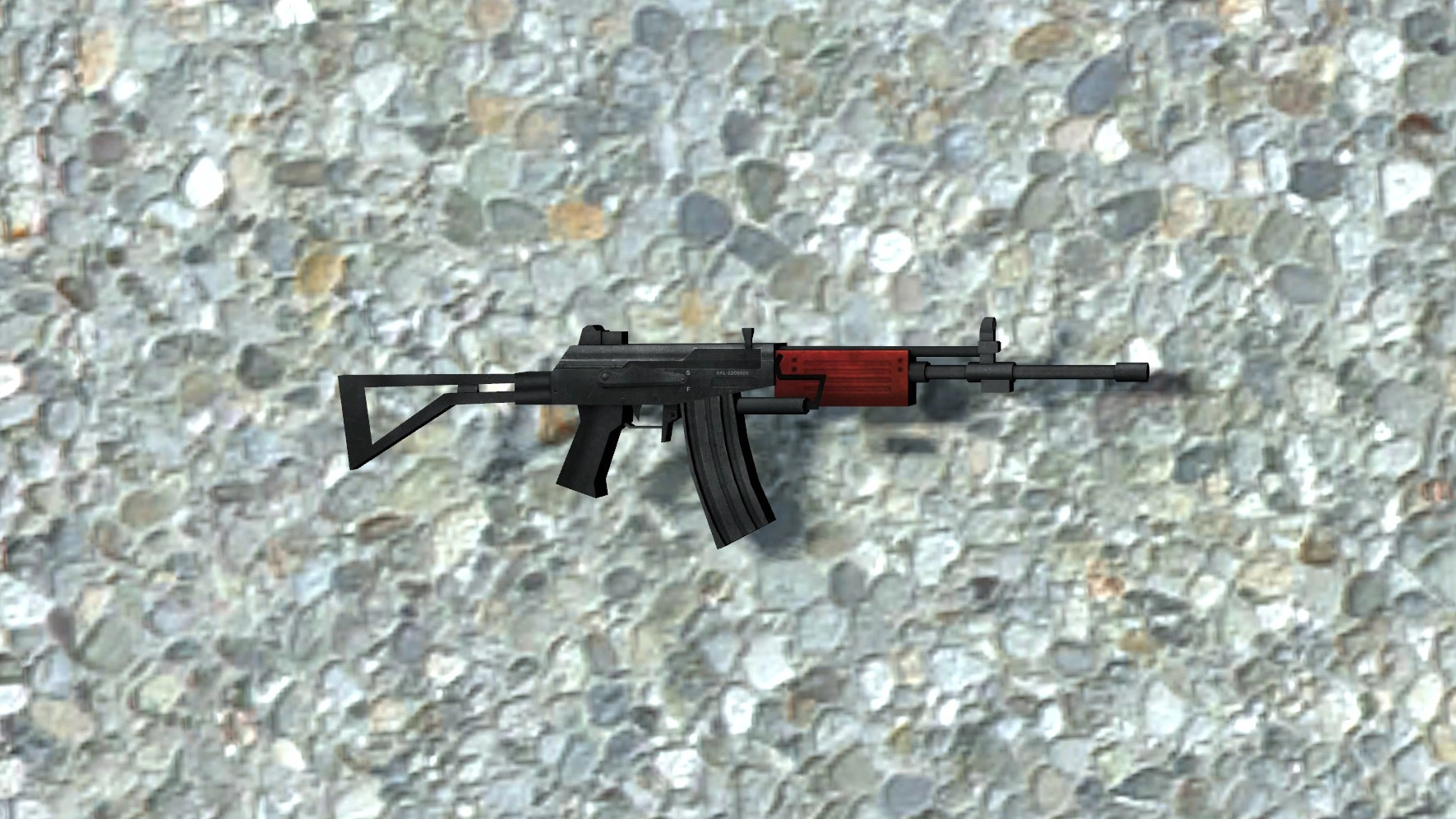
MERC Galil Prop Model
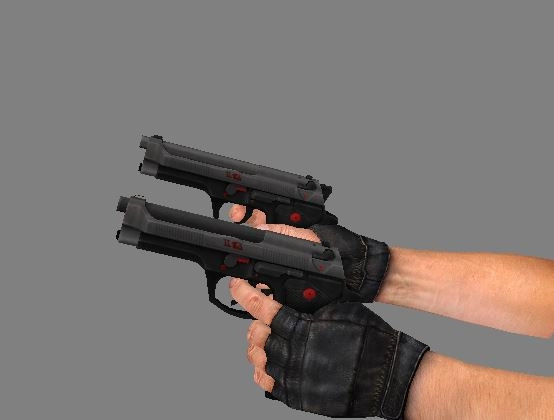
MERC Elites Side View
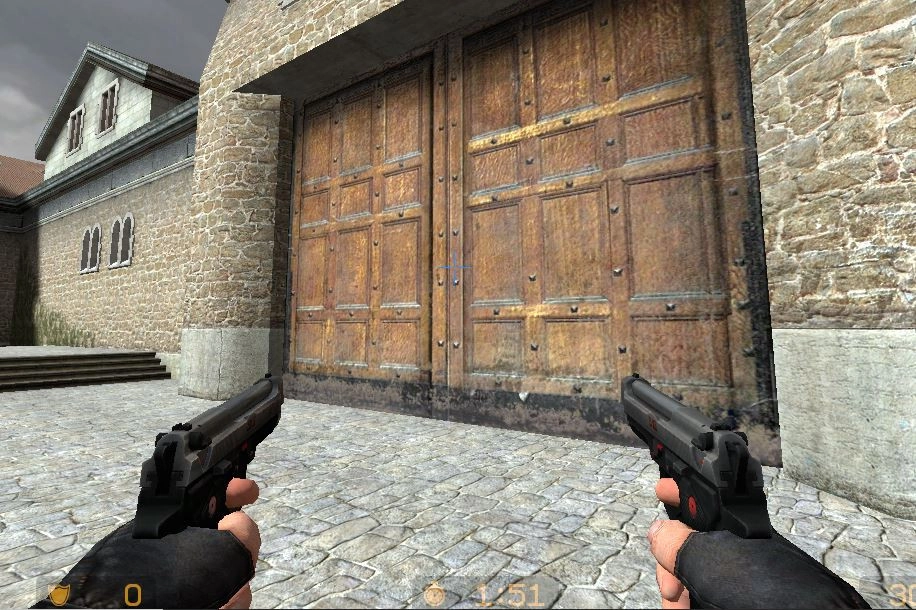
MERC Elites Light
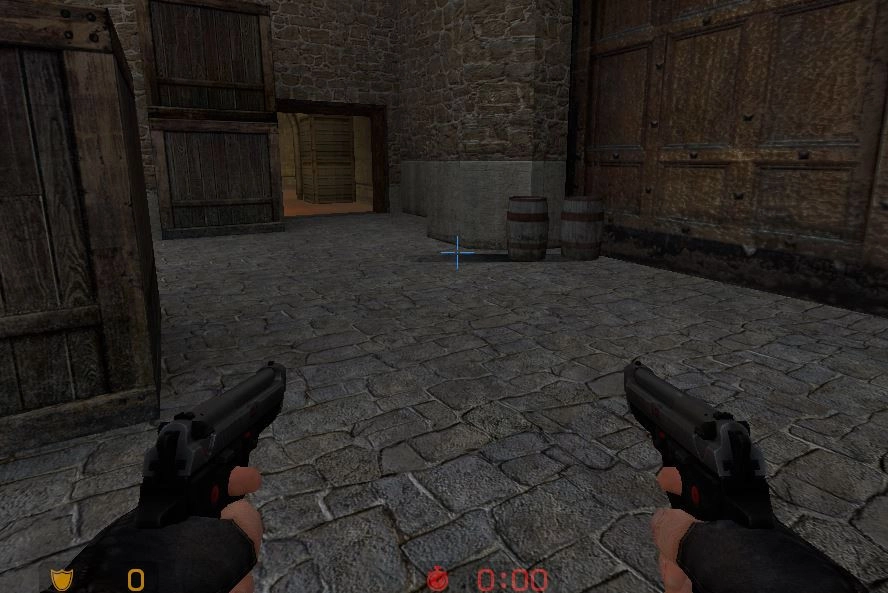
MERC Elites Shade
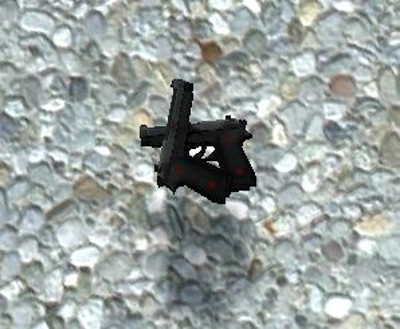
MERC Elites Prop Model

Self-Promotion