

Advertisement
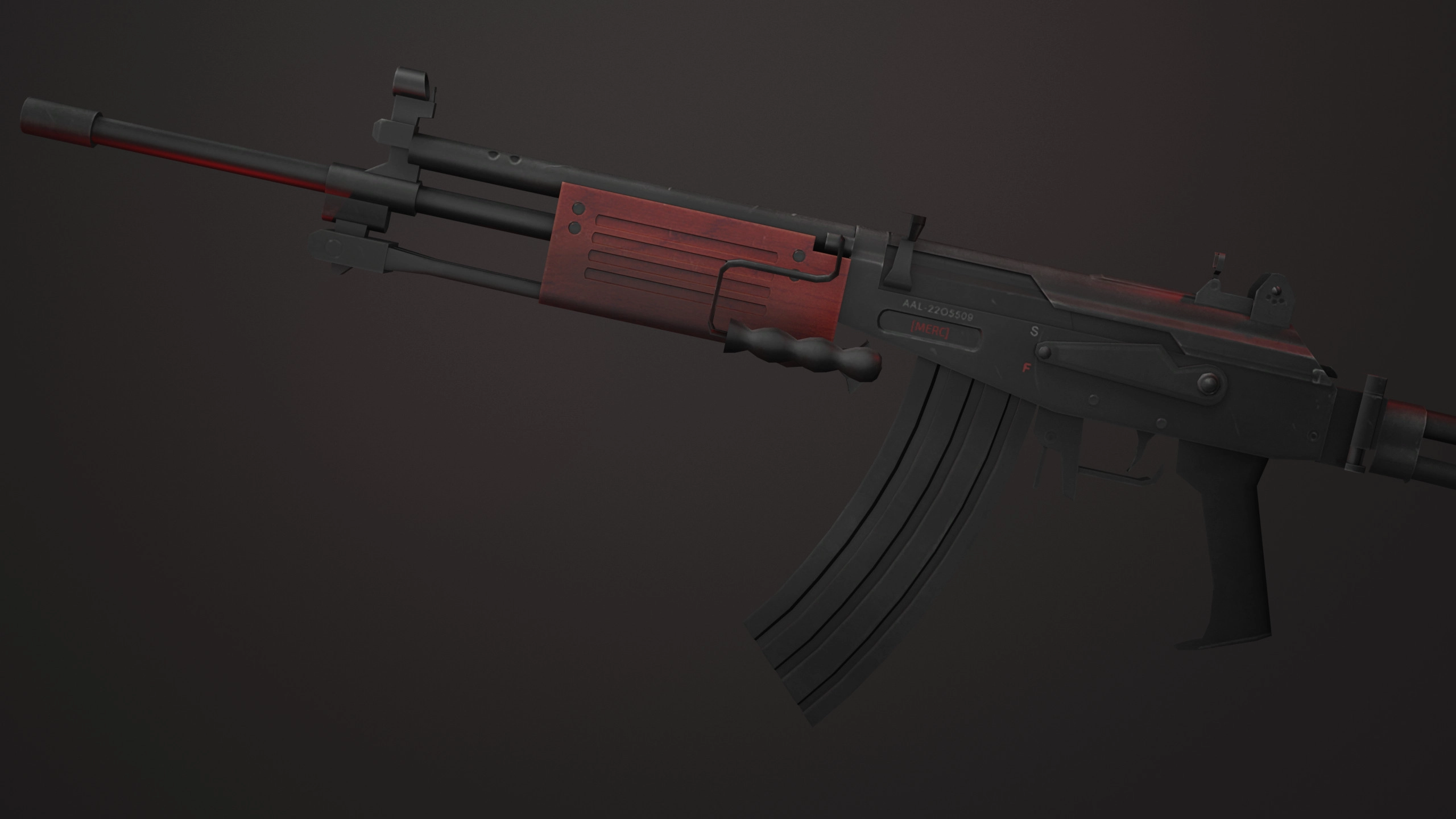
This is a handful of admittedly simple weapon skins for the Galil and the Dual Berettas, made for various Counter Strike titles.
I made these way back in 2018, and remade the Counter Strike Source Galil one in 2020. Hell, the original Gamebanana Pages are still up for these, and some other skin mods, if you want to check those out. I can’t speak to the quality of my work from way back when, but it’s something I’m still proud of! It’s also one of my projects that set me up for learning even more software and design techniques that would aid me in projects later down the line, like the first General Favorites cover art or my DDLC Cover Arts project.
Anyways, all the download links are sorted for the separate games in the downloads section, as are the installation instructions for each skin!
Available Project File Downloads
Galil / IMI Defender Skin
1: Download “MERC Galil.zip” from the links above
2: In Steam, right click on Counter Strike: Source and go to “Properties > Installed Files > Browse…“
3: Once File Explorer opens, navigate to the “cstrike” folder, then to the “custom” folder.
3-1: If “custom” folder does not exist, create it yourself.
4: In another File Explorer window or tab, locate “MERC Galil.zip” from Step 1, and right click on it.
5: From here, using either Window’s built-in archive tools, or something like 7-Zip or WinRAR, extract “MERC Galil.zip” directly to the “custom” folder from Step 3.
6: Open Counter Strike: Source, and you should see your skin active on the Galil / IMI Defender weapon!
Dual Elites / Dual Barrettas Skin
1: Download “MERC Dual Elites.zip” from the links above
2: In Steam, right click on Counter Strike: Source and go to “Properties > Installed Files > Browse…“
3: Once File Explorer opens, navigate to the “cstrike” folder, then to the “custom” folder.
3-1: If “custom” folder does not exist, create it yourself.
4: In another File Explorer window or tab, locate “MERC Dual Elites.zip” from Step 1, and right click on it.
5: From here, using either Window’s built-in archive tools, or something like 7-Zip or WinRAR, extract “MERC Dual Elites.zip” directly to the “custom” folder from Step 3.
6: Open Counter Strike: Source, and you should see your skin active on the Dual Elites / Dual Barettas weapon!
Project Image Gallery
MERC Galil Blender Render
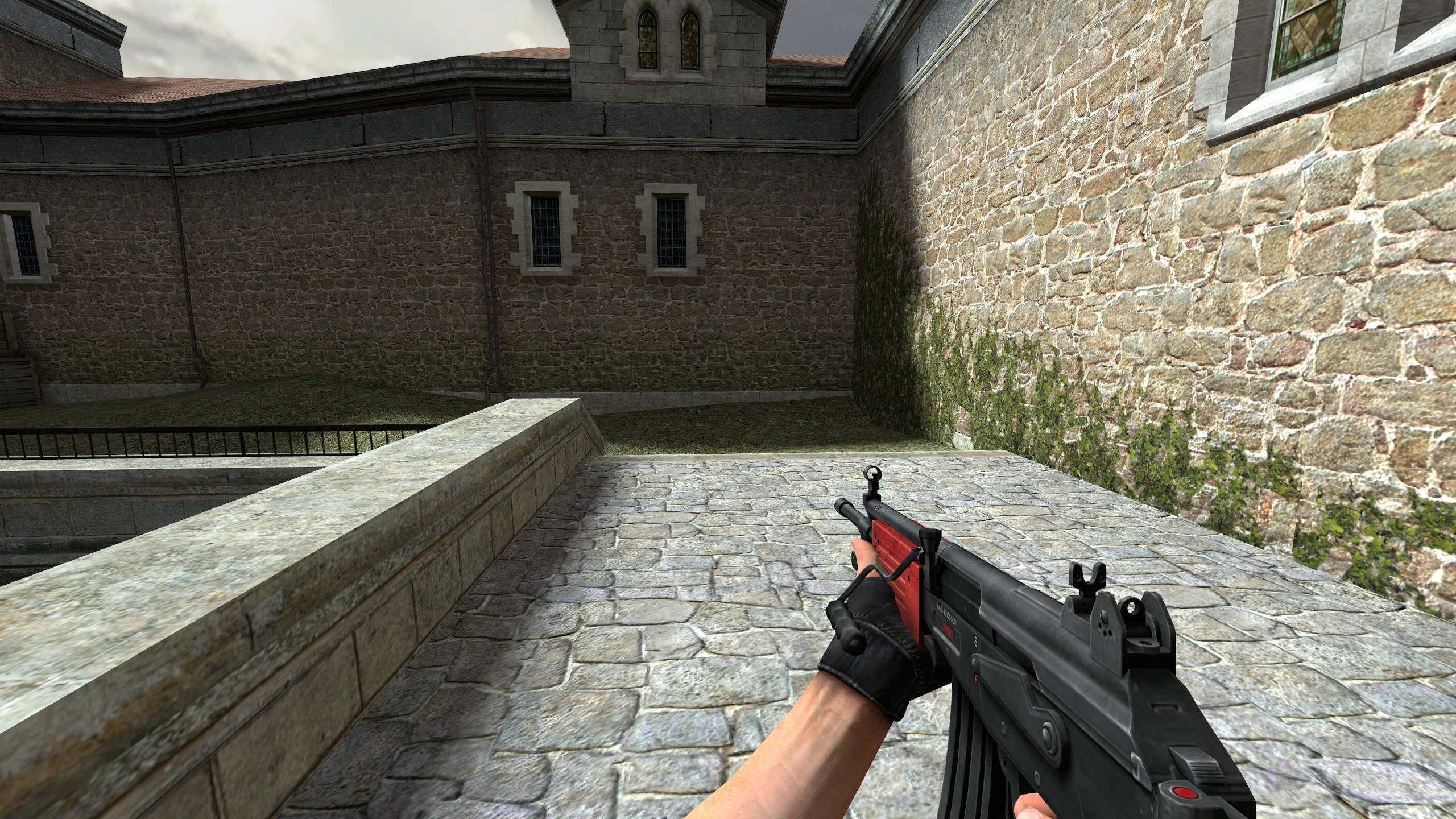
MERC Galil Light
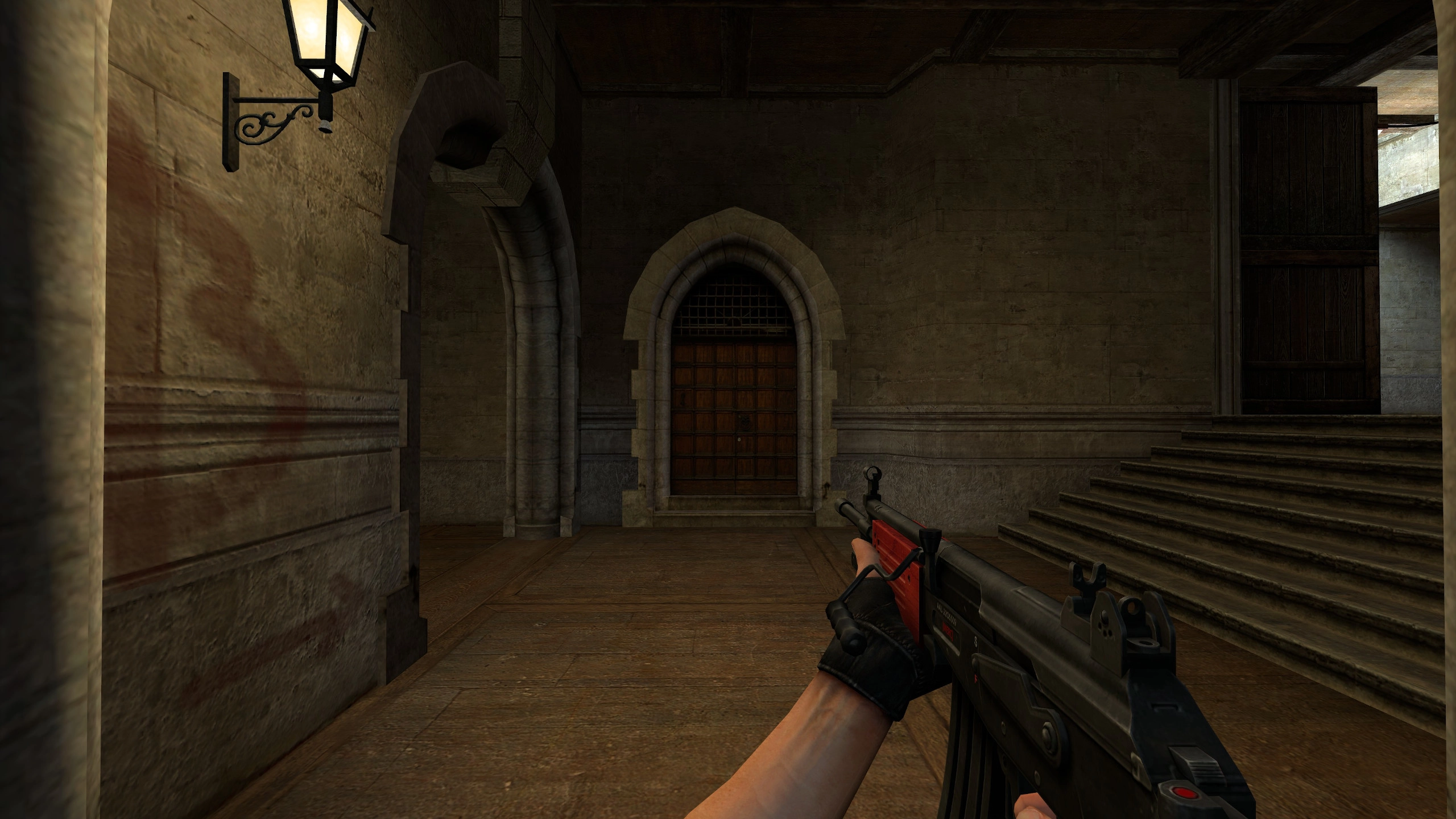
MERC Galil Shade
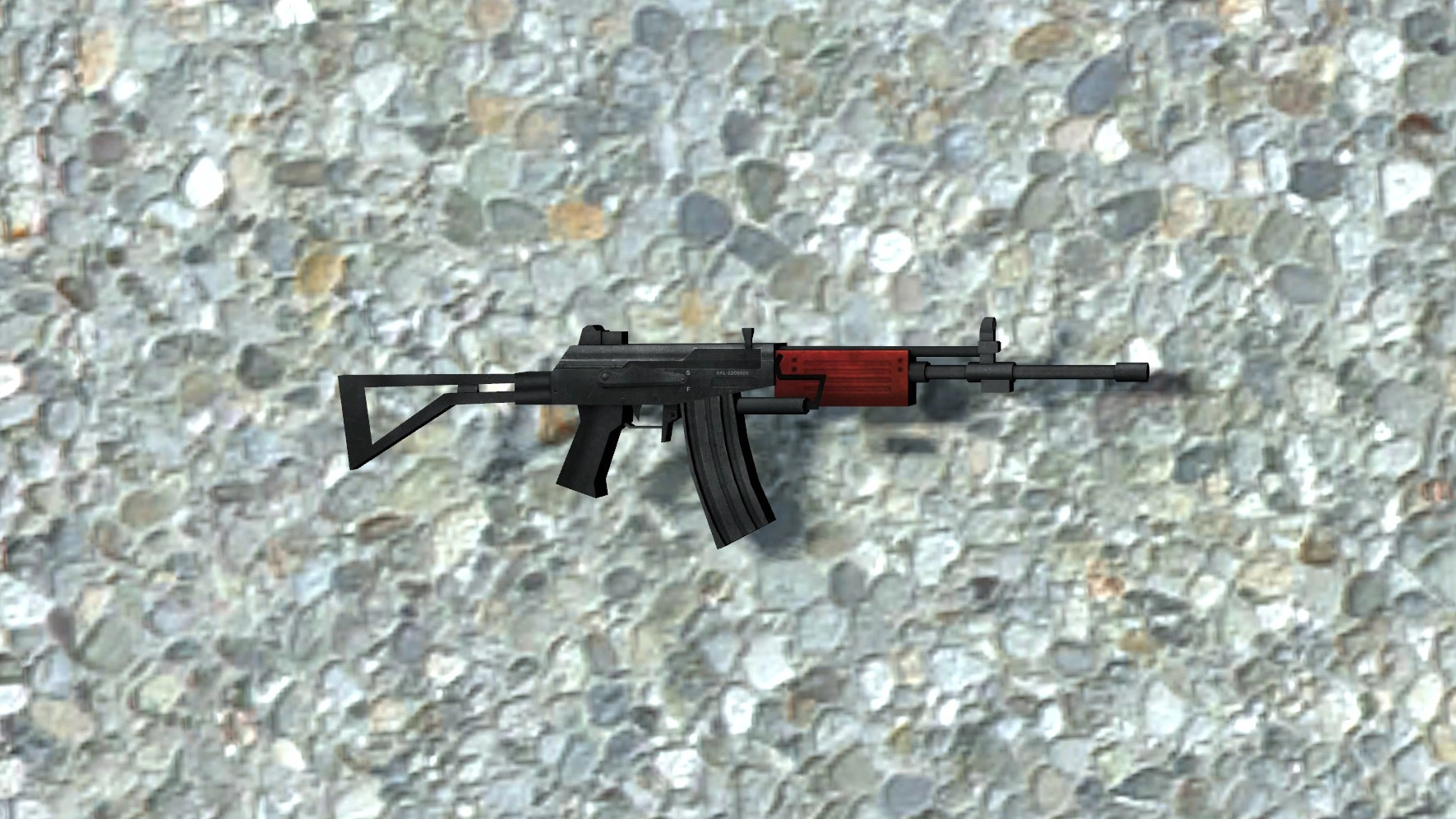
MERC Galil Prop Model
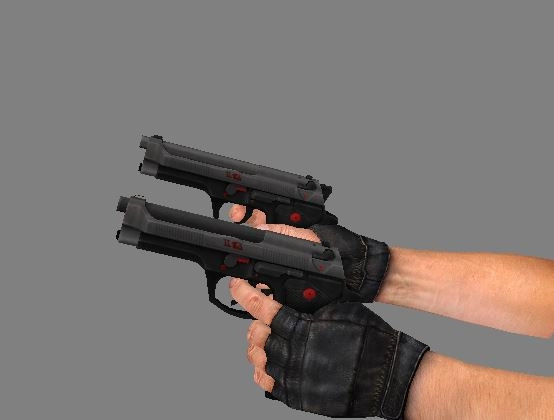
MERC Elites Side View
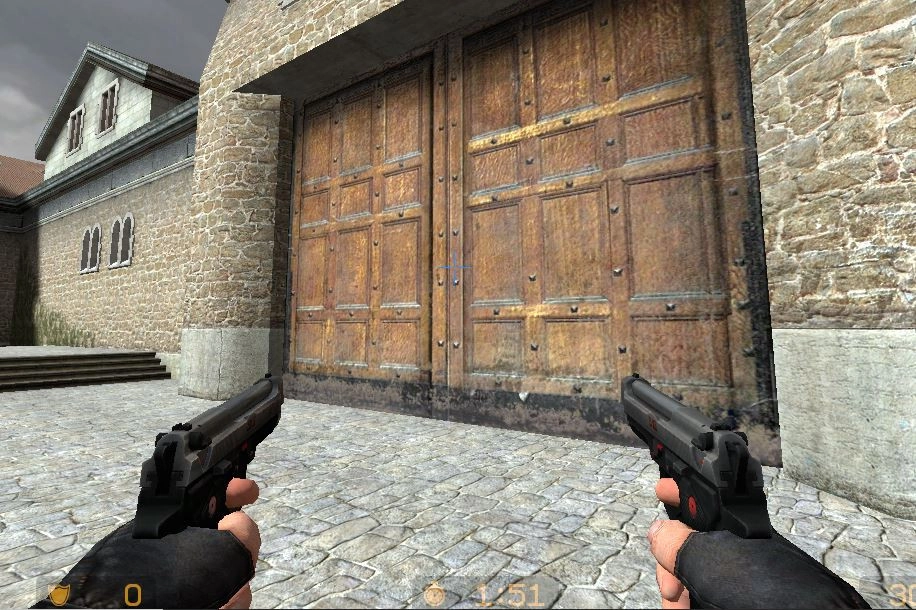
MERC Elites Light
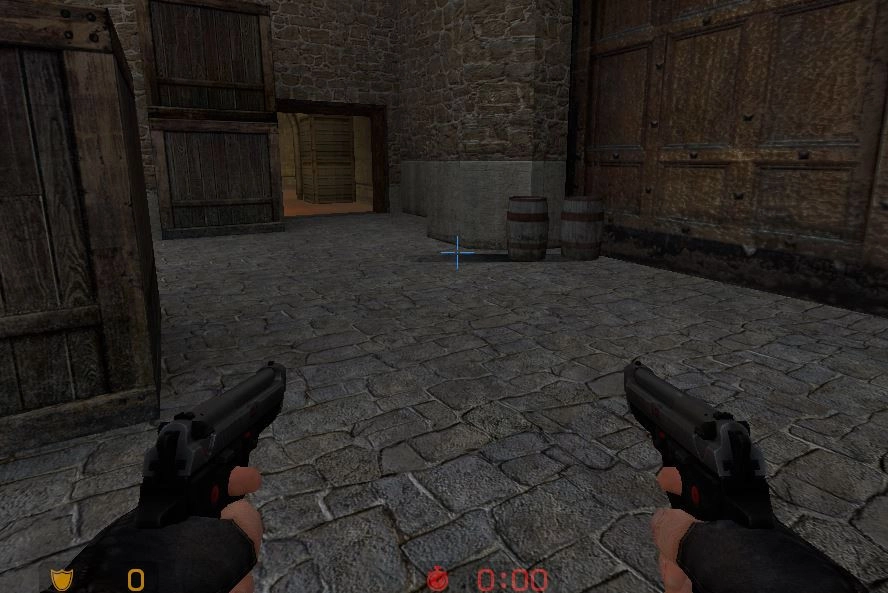
MERC Elites Shade
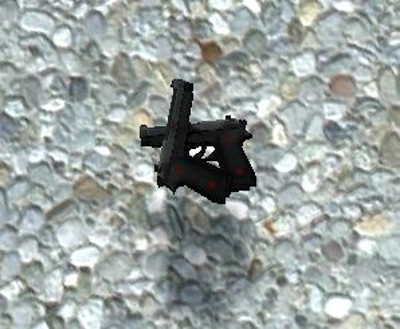
MERC Elites Prop Model

Self-Promotion